
Recent Post


5 Categories Worth Exploring on
Aug 07, 2026

The Last-Minute Gift Guide for
Aug 05, 2026

Free Shipping vs. Fast Shipping:
Jul 31, 2026

5 South Asian Ethnic Pieces
Jul 29, 2026
Tags
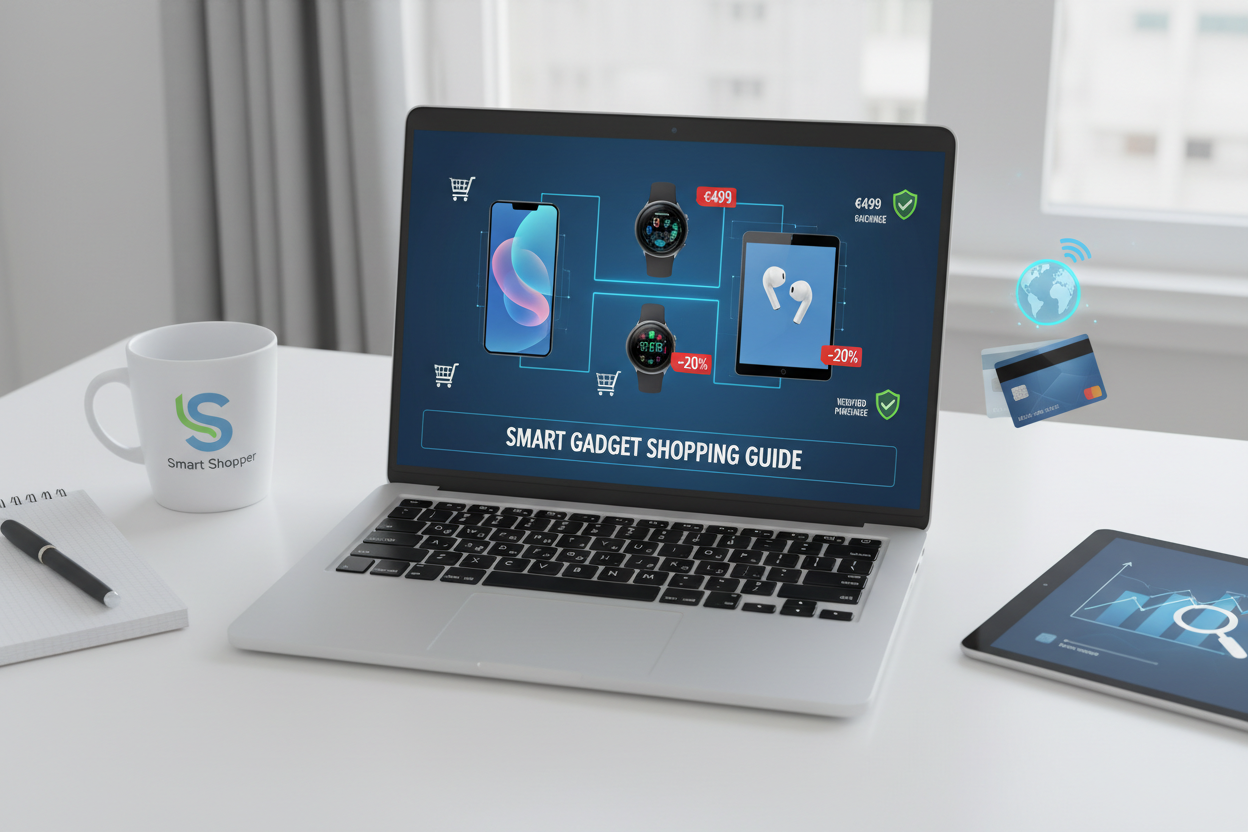
"The Ultimate Guide to Smart, Safe, and Strategic Online Gadget Shopping"
Slickpurchase
Feb 26, 2026
Smart Online Gadget Shopping: How to Make Informed Choices, Save Money, and Avoid Fraud
Navigate the digital marketplace confidently by mastering mindful tech acquisitions, securing genuine deals, and safeguarding yourself against scams. This guide equips you to shop smart—balancing quality, affordability, and digital safety for an optimal online gadget buying experience.
Key Takeaways
- Practice deliberate purchasing by implementing a cooling-off period and budgeting strictly.
- Prioritize technical specs and reputable brands when selecting laptops and smartphones.
- Compare prices and validate deals across multiple vendors to avoid scams.
- Ensure website authenticity and use secure payment methods to protect your personal data.
- Employ cybersecurity tools like ad blockers, antivirus, and multi-factor authentication.
- Take immediate action if you fall victim to fraudulent transactions to minimize losses.
Table of Contents
- 1. The Deliberate Acquisition Process: Master the Art of Tech Shopping Without Breaking the Bank
- 2. Essential Technical Gear Checklist: What You Need and What to Watch Out For
- 3. Tactical Strategies for Savvy Online Shopping: Strike the Ideal Balance between Economy and Quality
- 4. Online Shopping Safeguards: How to Shield Yourself from Fraudulent Schemes
- 5. Thwarting Malware and Data Breaches: Shield Your Digital Identity and Personal Info
- 6. Course of Action in Case of a Fraud Encounter: Immediate Responses to Undertake
- Conclusion: A Masterful Symphony of Cautious Shopping, Prudent Acquisitions, and Overarching Safety Vigil
1. The Deliberate Acquisition Process: Master the Art of Tech Shopping Without Breaking the Bank
Before diving into the endless array of gadgets, cultivate a thoughtful shopping routine. Impulsive buys often lead to regret and clutter. Instead, foster patience and intentionality.
The Power of Time
Place gadgets in your cart but pause before purchasing. This cooling-off period allows you to assess:
- Do I truly need this product?
- Is it within my budget?
- Are better deals likely soon?
This practice curtails impulsive spending and helps prioritize genuine needs.
Smart Budget Management and Methodical Planning
- Set a strict browsing budget upfront (e.g., $250 or aligned with your finances).
- Keep a running tally of your tech expenditures to avoid overspending.
- Create a wish list limited to about 20 gadgets you truly desire; evaluate new requests against this list.
Separating Wants from Needs
Ask yourself:
- Is this replacing faulty or outdated tech?
- Will it meaningfully boost productivity or entertainment?
- Can existing devices be repurposed to fulfill this need?
By prioritizing needs over desires, you avoid wasteful spending and focus on functional tech.
For more information, explore this detailed discussion.
2. Essential Technical Gear Checklist: What You Need and What to Watch Out For
With the right mindset, select your gadgets based on necessity, performance, and reliability, steering clear of flashy gimmicks.
Laptops
- Processor: At least Intel i5 or AMD Ryzen 5.
- RAM: Minimum 8GB; 16GB or more for gaming or editing.
- Storage: SSD with 256GB for fast loading.
- Recommended Brands: Lenovo, Dell, HP, Apple.
Smartphones
- Consider models such as iPhone 15, Samsung Galaxy S24, Google Pixel 8, OnePlus 12.
- RAM: Minimum 6GB for smooth usage.
- Storage: At least 128GB to hold media and updates.
- Compare camera quality, battery life, software ecosystems, and headset compatibility.
Other Indispensable Gadgets and Accessories
- Monitors: Full HD or 4K, ergonomic stands, eye-care features.
- Headphones: Noise-cancelling or wireless Bluetooth models.
- Power Banks: Portable with 10,000mAh+ capacity.
- Keyboards & Mice: Ergonomic, compatible, and responsive.
Leveraging Filters and Evaluating Reviews
Utilize platform filters to shortlist by price, brand, and customer ratings. Read genuine reviews critically, focusing on specifications more than marketing buzzwords.
Discover in-depth reviews at All Gadget World.
3. Tactical Strategies for Savvy Online Shopping: Strike the Ideal Balance between Economy and Quality
Maximize value by combining thorough price comparison with an eye for quality and genuine promotions.
Comparing Prices Across Various Vendors
- Use comparison tools to spot price differences.
- Beware of abnormally low prices, a red flag for scams or counterfeits.
- Look for bundles offering accessories at a discount.
Vigilance towards Flash Sales and Promotional Campaigns
Subscribe to credible vendor newsletters for alerts on:
- Seasonal flash sales like Black Friday and Cyber Monday.
- Limited-period exclusive bundles and discounts.
Mindful Attention to Product Specifications
Consider details beyond numbers, such as:
- Wired vs wireless headphone tradeoffs: audio quality vs battery life.
- Camera megapixels alone don’t guarantee photo excellence—rely on authentic user reviews.
Harnessing Sorting Options and Filters
Filters expedite narrowing down the best products matching your needs and budget.
Gain further smart shopping tips at News Blaze.
4. Online Shopping Safeguards: How to Shield Yourself from Fraudulent Schemes
Convenience comes with risks—shield your finances and privacy through these essential practices.
Validating Website Authenticity
- Seek the SSL lock symbol in the browser bar.
- Verify URLs begin with https:// indicating secure connections.
- Evaluate seller credentials via independent reviews and contact listings.
Exercising Caution in the Face of Unrealistic Prices
If the price is suspiciously low, it is likely fraudulent or a counterfeit product.
Prudent Management of Personal Data
- Only disclose essential info like shipping and payment details.
- Never share sensitive info such as Social Security Numbers or birthdates unnecessarily.
Leveraging Secure Payment Channels
- Prefer credit cards or trusted platforms (e.g., PayPal) with fraud safeguards.
- Avoid debit cards and wire transfers that offer little buyer protection.
Vigilance against Phishing Endeavors and Unsolicited Offers
- Do not click on suspicious email or text links, even if they claim to be respected brands.
- Remember legitimate companies never request payment info via unsolicited messages.
Avoiding Transactions via Public Wi-Fi Networks
Use private, password-protected connections when shopping online to prevent data interception.
Explore comprehensive safety tips at FDIC Consumer Info.
5. Thwarting Malware and Data Breaches: Shield Your Digital Identity and Personal Info
Cybersecurity is fundamental for safe online shopping. Take proactive steps:
Implementing Ad Blockers
Block malicious pop-ups and misleading ads that could redirect you to dangerous sites.
Regularly Updating Antivirus Software
Keep protections current to neutralize emerging digital threats.
Engaging Multi-Factor Authentication (MFA)
Add an extra security layer to your shopping accounts to defend against unauthorized access.
Relying on Password Management Solutions
Manage complex passwords efficiently while enhancing security.
For extended tools and tips, visit FDIC's guide.
6. Course of Action in Case of a Fraud Encounter: Immediate Responses to Undertake
If you fall victim to online fraud, act promptly to limit damage:
1. Meticulous Documentation
- Save receipts, transaction emails, screenshots of fraudulent sites or correspondence.
2. Direct Engagement with the Seller
- Attempt resolution via the retailer; some offer refunds or replacements.
3. Lodging a Formal Complaint
- Report to consumer protection agencies like the FTC or regional attorney general.
- For identity theft, contact the FBI’s Internet Crime Complaint Center (IC3).
4. Vigilance in Monitoring Financial Traces
- Check bank/credit statements regularly for unauthorized activity.
- Notify your financial institution immediately if fraud is suspected.
5. Embarking on Measures to Deal with Identity Theft
- Change compromised account passwords without delay.
- Place fraud alerts on your credit reports proactively.
Refer to AARP’s resource hub for detailed recovery steps and support.
Conclusion: A Masterful Symphony of Cautious Shopping, Prudent Acquisitions, and Overarching Safety Vigil
Smart online gadget shopping is far more than chasing the latest trend. It hinges on cultivating patience, budgeting wisely, and focusing on true needs. By selecting quality tech from reputable brands with clear specifications, you safeguard your investment from disappointment and waste.
Coupling these habits with strategic deal hunting—comparing prices, scrutinizing reviews, and timing purchases—ensures you gain maximum value. Most critically, fortifying your online presence with secure payment methods, website verification, and cybersecurity best practices protects your privacy and funds.
When you integrate deliberate purchasing, thoughtful product selection, tactical shopping, and vigilant online safety into your routine, your gadget acquisitions will bring not only satisfaction but also peace of mind.
Explore our compiled gadget recommendations and safety tips on Slickpurchase, your trusted source for insightful shopping advice and reviews.
FAQ
Q1: How long should I wait during the cooling-off period before buying a gadget online?
A common recommendation is to wait at least a few days—typically 3 to 5 days. This pause helps you assess the gadget’s necessity and price fluctuations without succumbing to impulsive buying.
Q2: Which payment methods are safest for online gadget purchases?
Credit cards and trusted platforms like PayPal are safest as they provide fraud protection and easier dispute resolution. Avoid debit cards and wire transfers when possible.
Q3: How can I verify if an online gadget seller is legitimate?
Look for SSL certificates (https and lock icon), verify contact information, read independent reviews, and be wary of deals that sound too good to be true.
Q4: What should I do if I suspect a fraudulent purchase?
Document all transaction details, contact the seller immediately, file complaints with consumer protection agencies, monitor your finances closely, and change passwords to prevent identity theft.
Q5: Are ad blockers necessary for safe online shopping?
While not mandatory, ad blockers reduce exposure to malicious pop-ups and fake ads directing you to phishing or scam sites, thereby enhancing your security during online shopping.